A little space to come back to yourself.
AuraFlow Meditation brings together guided sessions, breathwork, body awareness, and adjustable sound. Choose human or AI guidance and shape a practice around the time and attention you have today.
Open MeditationSign-in may be required to use the app. This guide is free to read.
More than one way to begin
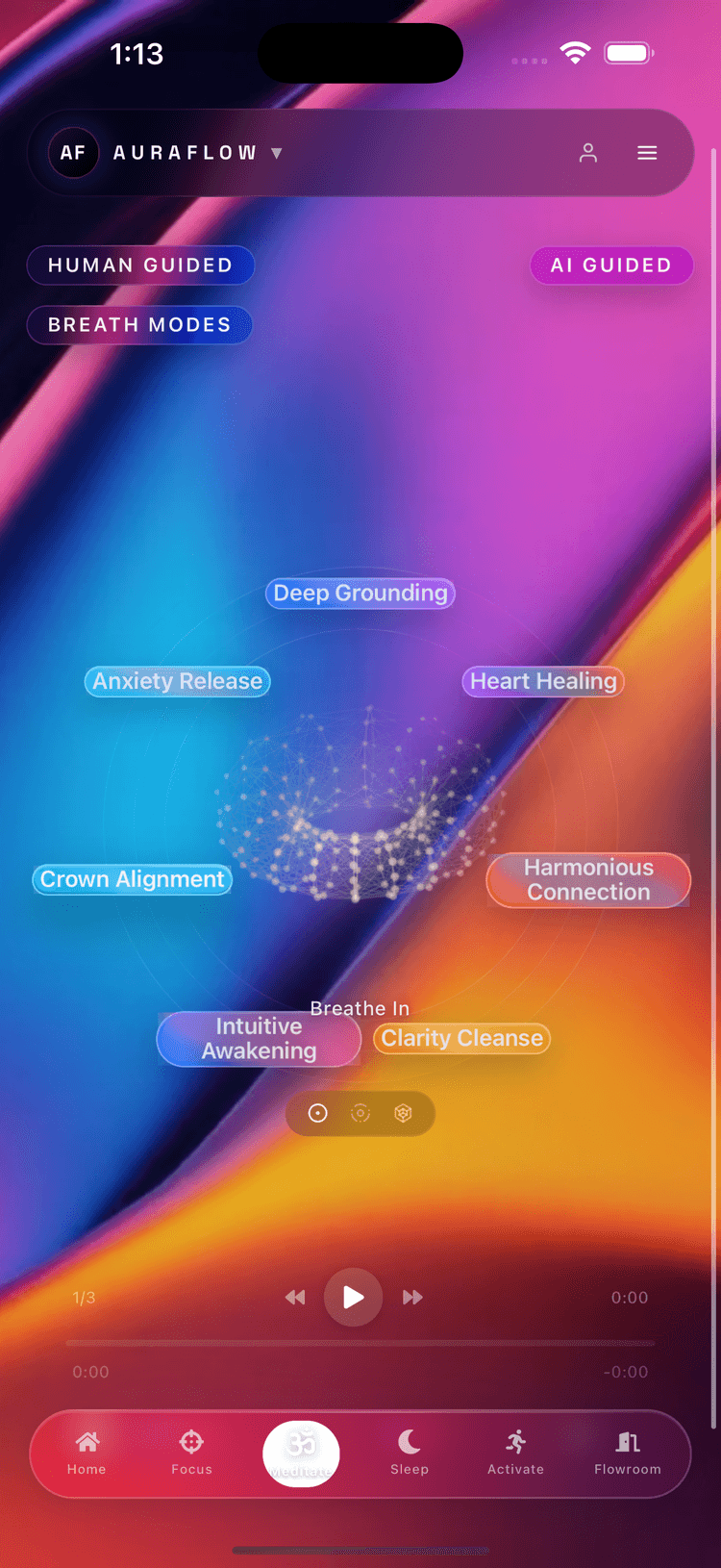
You might want a guided session, a moment of breathwork, or a quiet listening space. Meditation provides several ways into the practice, with music and optional frequency layers that can be adjusted to your preference.
You do not need to arrive in a particular state or complete a long session. Start with the experience you want to explore, then use the available settings to make it manageable. The app gives you choices; it does not score whether you have meditated correctly.
Try your first session
- Open Meditation and choose the kind of guidance or session you want to explore.
- Review the available duration, voice, and sound settings. Choose a comfortable volume and adjust optional layers as you prefer.
- Begin in a position that is comfortable for you and follow the guidance at your own pace.
- At the end, take a moment before moving to your next activity. You can return to the same session style or explore a different one another day.
Choose a voice or start with breathing
The Meditation interface includes Human Guided and AI Guided entry points. Human Guided is a starting point for exploring recorded guidance; AI Guided offers a way to shape supported sessions around what you want to practice. Breathwork provides another entry point when you want to begin with a breathing exercise.
For a first session, choose one intention in plain language, such as taking a pause between tasks or winding down after work. Review the available session options, choose guidance you want to hear, and check the playback volume before beginning. You can pause or stop and choose a different session.
You do not need to generate a new AI session every time. A familiar voice or a simple breathing practice can be a useful starting point. Feature access depends on the version and plan shown in the app.
Keep guidance and background audio distinct
Begin by making the voice easy to hear. Add background music or optional audio layers only if you prefer them. If the mix becomes distracting, lower a layer or return to voice-only listening where supported.
After a session, choose what comes next: return to your task with Focus, explore the quieter soundscapes in Sleep, or finish for the day. These are separate experiences in the same app, so a guided practice does not require an extended sequence of other activities.
Connect meditation with the rest of your day
Meditation sits alongside Focus, Activation, Sleep, Mind Movies, and Flowroom. It can be a pause between activities, part of your evening, or a practice you choose on its own. There is no required sequence through the six modes.
Aura is your customizable AI agent across the app. In Agent Studio, you can personalize its name, communication style, voice, interests, memory, and check-ins. Specific AI tools and session options depend on your plan and platform.
Guidance and audio preferences
Human and AI guidance offer different ways to approach a session. You can explore what you find useful without treating an AI response as medical care. Music and frequency settings are optional features of the wellness experience; no particular setting is presented here as a treatment or guaranteed result.
Common questions
Do I have to use AI guidance?
No. AuraFlow Meditation includes human or AI guidance, with options varying by platform and plan. Choose the type of session you prefer.
Can I adjust the music?
Meditation includes adjustable music and optional frequency layers. Review the available session controls in your version of the app.
Explore your next mode
Read the full AuraFlow overview, explore Mind Movies, or visit Support for help choosing where to begin.